A public website becomes an implementation-ready design brief in one focused flow
AI coding agents can build quickly, but the result depends on how clearly the source interface is described. url2prompt turns a public website into an implementation brief that an agent can use without forcing the user to document the design system by hand.
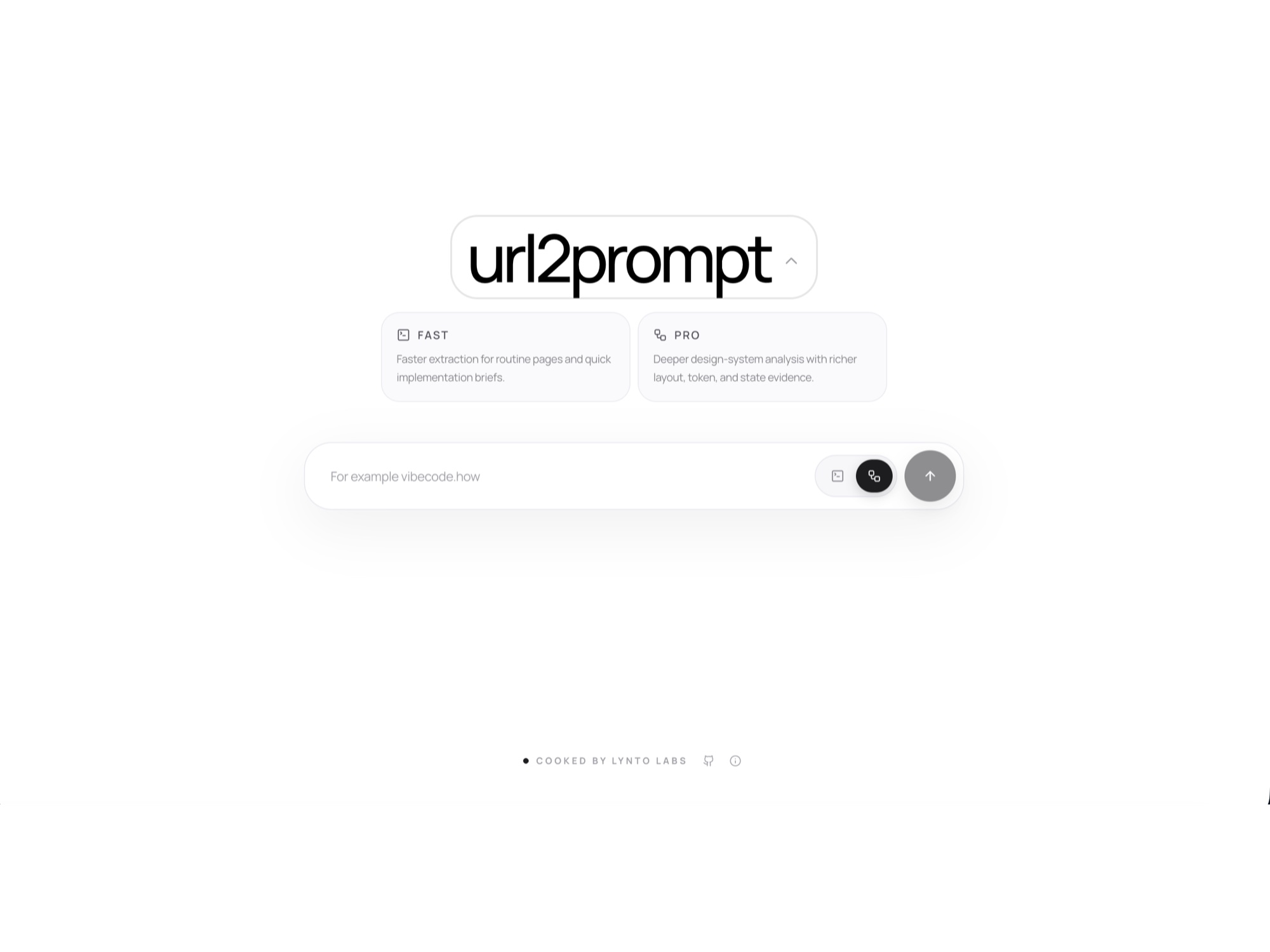
A reference URL is useful, but it is not a build specification
A screenshot or a one-line request does not explain the grid, visual tokens, reusable components, responsive changes, interaction states or accessibility expectations. The product needed to collect that evidence automatically and return a brief that is detailed enough to build from while remaining easy to copy and use.
- Reduced the input to one public URL and two understandable analysis depths: Fast for routine pages and Pro for deeper evidence.
- Made the Pro run visible as a sequence of browser-analysis stages so the user can see what is happening during a longer operation.
- Structured the output around product intent, layout, tokens, components, responsive behavior, states, accessibility and implementation guidance.
- Added a direct copy action so the completed brief moves into Cursor, Claude Code, v0, Lovable, Windsurf or another coding agent without reformatting.
One workflow from URL to working brief
Responsive public product and explanatory page
Fast and Pro website-analysis modes
Progress, completion and failure states for long-running analysis
Structured English prompt output with one-click copying
Long-running browser work stays visible and recoverable
The interface treats every analysis as a stateful job rather than a blocking form submission. A public URL is validated, the selected mode controls the depth of evidence collection, browser analysis gathers the page structure and visual language, and an AI stage converts that evidence into a consistent implementation brief. The frontend keeps progress and the final result in one uninterrupted workspace.
The finished product gives designers, founders and developers a short path from reference website to build instructions: paste a URL, choose the depth, review the generated brief and send it to the coding agent already used by the team.
Evidence boundary
- The product analyzes publicly reachable pages; private or access-controlled interfaces require a different collection flow.
- The generated brief describes design evidence and implementation guidance. It does not grant permission to copy third-party brand assets or proprietary content.
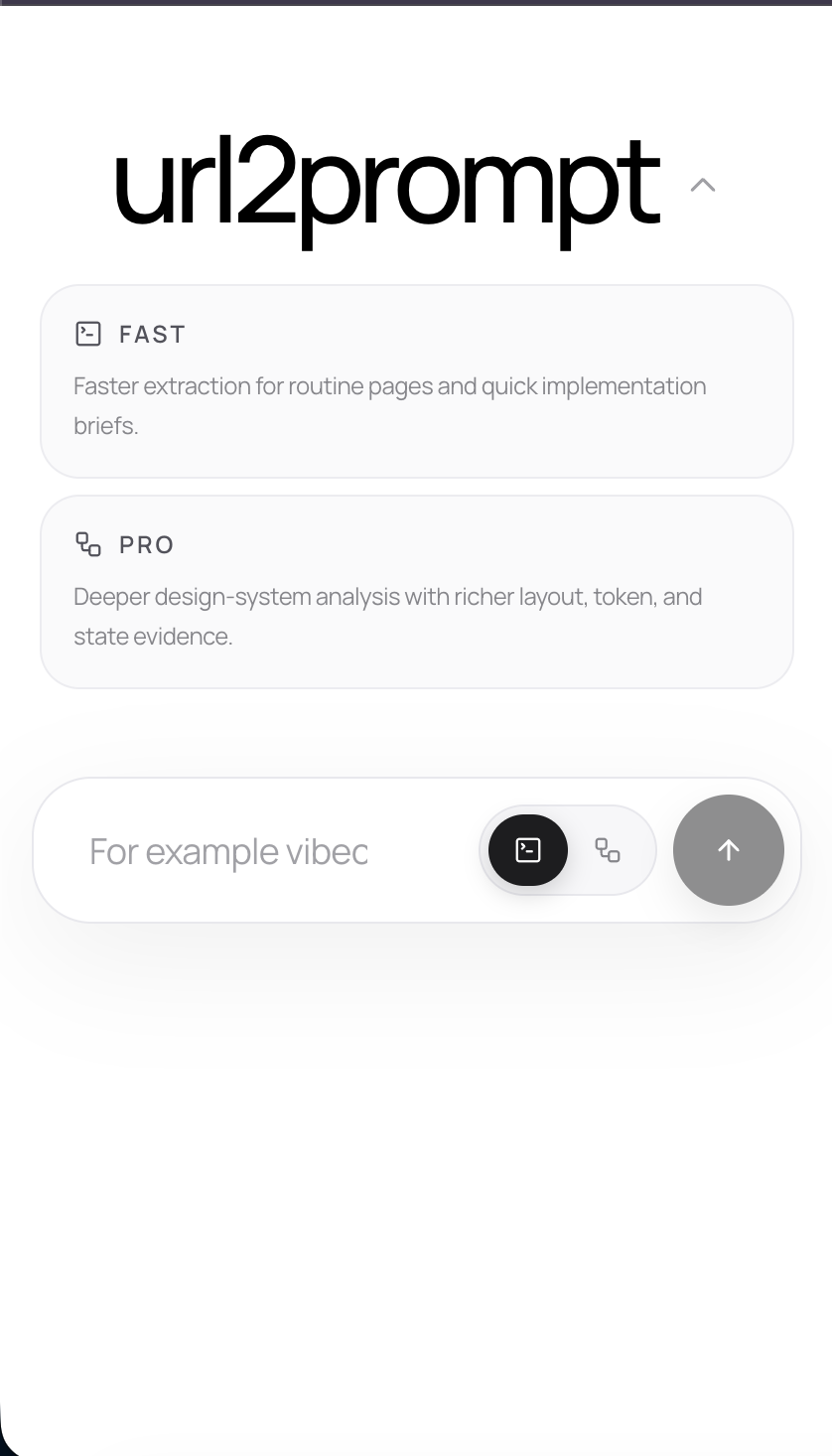
The workflow remains clear on a phone
The mobile surface preserves the primary product action, hierarchy and account context instead of reducing the page to a compressed desktop layout.
What buyers usually need to know
- What does url2prompt generate?
- It generates a structured English build prompt covering layout, visual tokens, components, responsive behavior, interface states, accessibility and implementation guidance.
- What is the difference between Fast and Pro?
- Fast is designed for quick, routine analysis. Pro performs deeper browser-based design-system extraction and returns richer evidence about layout, tokens, responsive states and interactions.
- Which AI coding agents can use the result?
- The output is plain English, so it can be used with Cursor, Claude Code, v0, Lovable, Windsurf and other coding agents.
- Does the prompt copy the source website?
- No. The brief explains the visual and interaction system needed for implementation and explicitly keeps third-party naming, logos, proprietary text and brand assets out of the result.
Need a focused AI product built around a real workflow?
We can turn the analysis, automation and handoff into one clear product instead of a collection of disconnected tools.